POS Software
Remero POS features
Remero POS rings up sales, tracks inventory for every variant and syncs your online store, all from a browser or a tablet. Here is everything it does.
Fast checkout
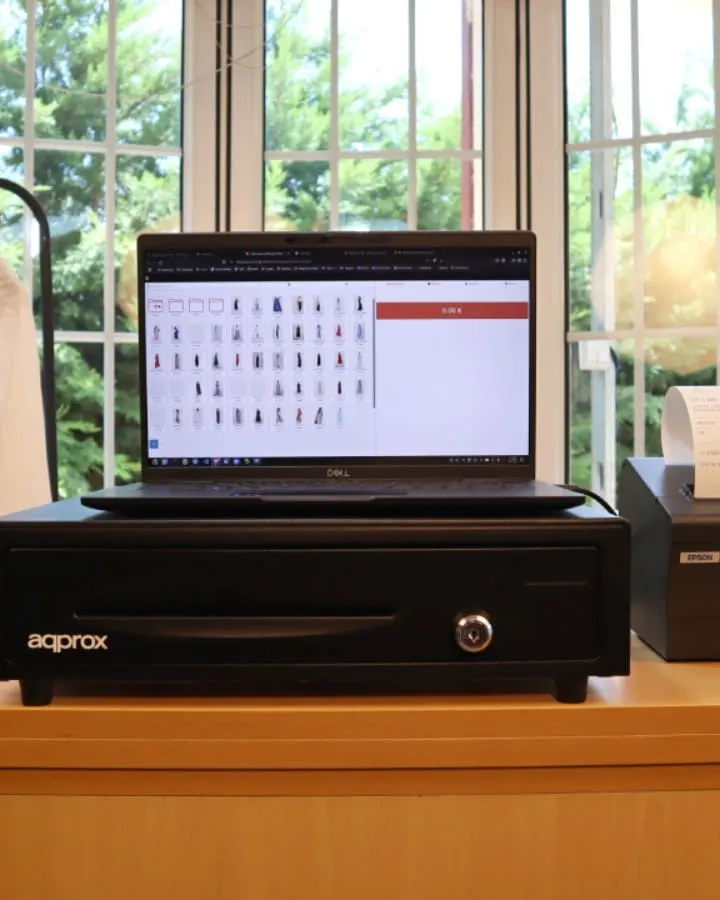
Scan with a USB or Bluetooth barcode scanner and ring it up. Print receipts on a receipt printer or a regular one, with no drivers to install.
Inventory always up to date
Every sale updates inventory for its size, color or variant. Low-stock alerts show up inside the dashboard.
Online store and social
A built-in online store, two-way sync with WooCommerce and PrestaShop, and your catalog on Instagram and Facebook.
Customers and discounts
Purchase history for every customer, personal discounts, discount codes and store credit.
Reports and exports
Sales by product, employee, hour and category, with exports to Excel or CSV for your accountant.
Locations, registers and staff
One account for every location, several registers at once and permissions for each employee.
How it works
Create your account
Sign up and try it free for 14 days, no credit card required.
Import products and customers
From a CSV file or through the API.
Start selling
In the browser on your computer or on a tablet.
How do you ring up a sale with Remero POS?
Scan the product with a USB or Bluetooth barcode scanner and take payment. The receipt prints from the browser on a receipt printer or a regular one, with no drivers. If a customer returns something, you give cash back or store credit.
How does it track inventory?
Each product can have variants: sizes, colors or other options. Every variant has its own count, and every sale updates it right away. For physical counts, you scan the shelves. Low-stock alerts show up inside the dashboard.
Barcode labels
Print labels one at a time or in bulk, with their barcode, for products that arrive without one.
Online store, WooCommerce, PrestaShop, Instagram and Facebook
Remero POS includes a built-in online store that shares inventory with your physical store. If you already sell on WooCommerce or PrestaShop, catalog and inventory sync both ways. Your catalog can also show up on Instagram and Facebook.
What do you know about your customers?
Each customer's purchase history, their personal discounts and your internal notes. You can set discounts by product, by category or on the whole receipt, plus discount codes and store credit.
Sales reports
See sales by product, by employee, by hour and by category. Export them to Excel or CSV whenever your accountant needs them.
Locations, registers and staff
One account for every location. The Premium plan lets several registers take sales at once, and each employee logs in with the permissions of their role. See pricing.
What if the internet goes down?
You keep selling. While you're offline you can't look up inventory or customers, and everything syncs on its own when you're back.
For every kind of store
See the POS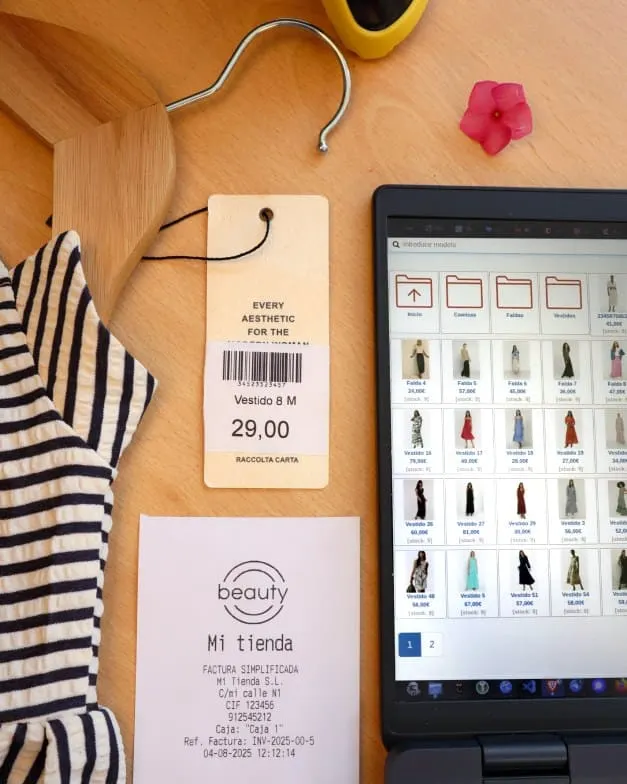
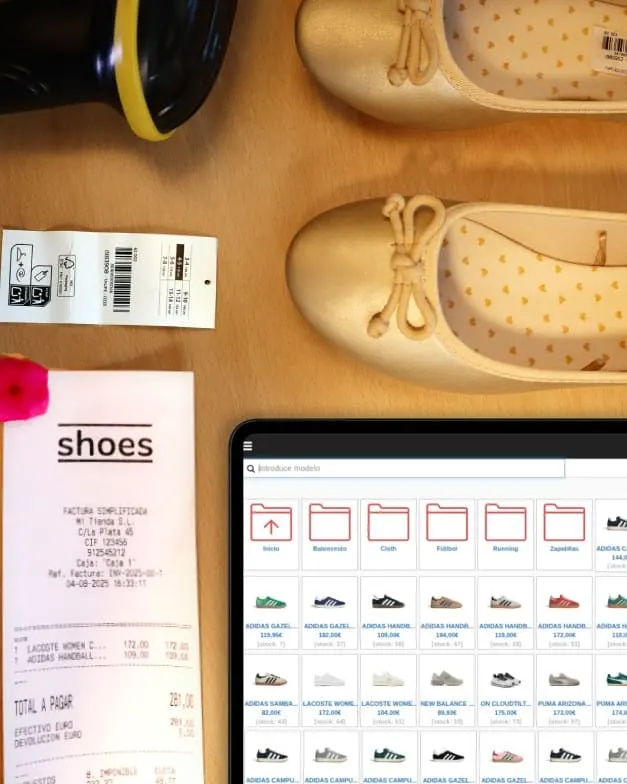
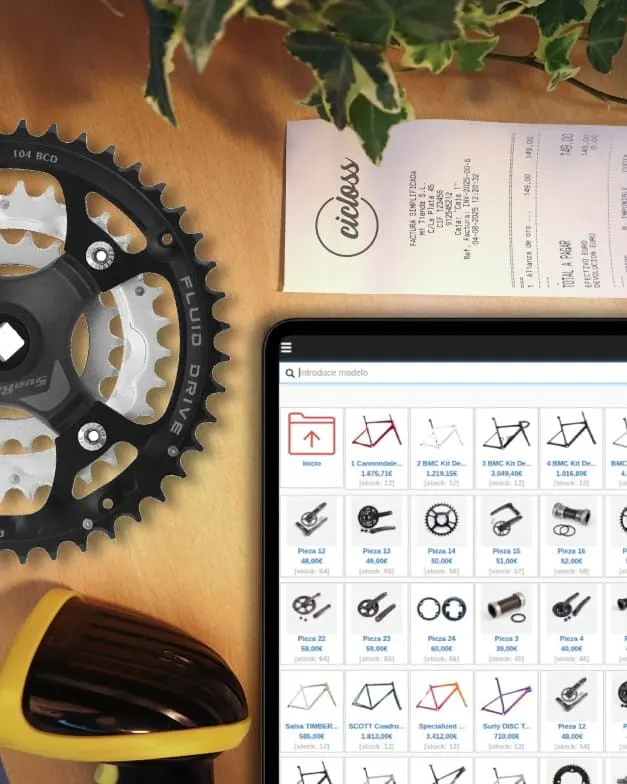
Frequently asked questions
What does a POS system do?
It rings up sales, records every transaction and updates your inventory. Remero POS also keeps your customers, discounts, reports and online store in one place.
What should a POS system have?
Inventory by variant if you sell sizes or colors, barcode scanning, labels, returns for cash or store credit, and sales reports. Remero POS has all of them.
Does a POS system work offline?
Remero POS keeps ringing up sales without a connection. You can't look up inventory or customers until you're back online, and then everything syncs on its own.
What devices does it run on?
In the browser on a Windows, Mac or Linux computer (Chrome, Safari or Firefox) and on a tablet.
Does it alert me when I'm running low?
You see low-stock alerts for each product or variant inside the dashboard. They aren't sent by email.
Can I move my products from another system?
Yes. You can import your products and customers from a CSV file or through the API.
Does it connect to my accounting software?
It exports your sales to Excel or CSV, which is what most accountants ask for.
Your POS, and soon your wholesalers' catalog
Try the POS for free